AI Chatbot for Your Online Store: More Than Auto Reply
Contents
An AI chatbot for online stores is worth using only if it turns a chat into an order, not just a greeting. It should answer stock and price per variant from your shop's data, calculate shipping, recap the order with a total, send a payment link and hand the chat to a human when a question falls outside its data. Below, you'll see how it differs from auto reply and automated menus, plus a six-chat test to run before subscribing.
Auto Reply, Automated Menus and AI: Three Different Things
These three terms often get mixed up, but they deliver very different results.
Auto reply here means an automatic message with text you write once, such as a greeting or an out-of-hours message. It says the same thing to everyone, so it cannot adapt to each buyer's question.
An automated menu (what most people call a chatbot) follows a programmed flow. The customer types "1" and gets answer A. They type "2" and get B. It beats auto reply, but it is rigid. A customer who types freely gets lost.
An AI admin understands what the customer means even when they phrase it differently. "Min stok hitam L ada?" (is the black one in L in stock?), "masih ready ga yg warna item ukuran gede?" (still got the black one in a big size?) and "available black large?" are read as the same question. You can see example conversations on the WhatsApp auto reply with AI page.
| Capability | Auto reply | Automated menu | AI admin |
|---|---|---|---|
| Replies outside working hours | Yes | Yes | Yes |
| Understands freely typed chats | No | No | Yes |
| Answers stock per variant | No | Sometimes | Yes |
| Calculates shipping | No | Rarely | Yes |
| Order recap and payment link | No | Rarely | Yes |
| Hands off to a human admin | No | Sometimes | Yes |
The technical side is covered in more depth in our AI customer service guide.
Why Online Stores Need an AI That Can Sell
Open your shop's chats today. How many are the same questions, over and over? Price, stock, size, shipping cost, how to pay, when it will arrive. Most shop owners would say: most of them.
AI can answer all of that without waiting for your admin (the person who handles your shop's chats), as long as it has access to your product data. But a well-built AI does not stop at answers:
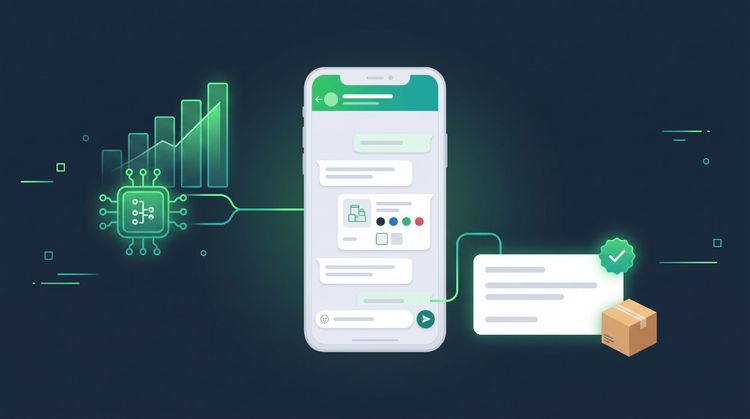
- It creates the order. When a customer says they want to buy, the AI collects the product, variant, quantity and address, then calculates the total including shipping and sends a payment link. The full sequence, from first question to payment, is in our article on AI that takes orders through to payment.
- It calculates shipping inside the chat. The buyer does not have to switch to a courier app.
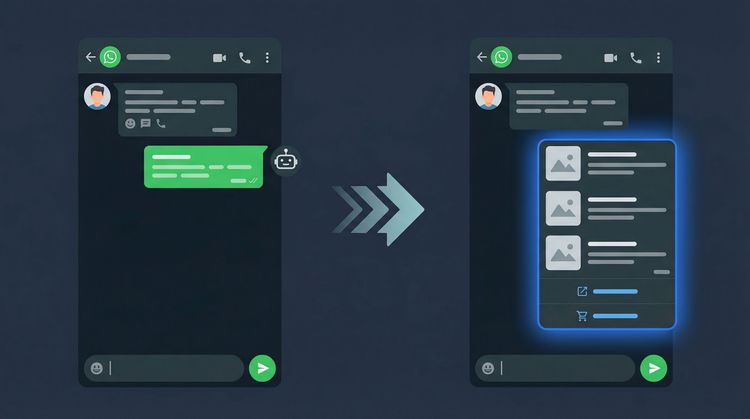
- It sends product photos and cards. When a customer asks about a specific product, the AI can send its photo and product card from your catalog, not just text.
- It answers policy questions. Returns, size exchanges and warranty, following the rules you write.
- It knows when to step back. If a question is outside its data, it hands the chat to a human admin instead of forcing an answer.
What stops a chat from turning into a payment is usually not the product but the wait.
How It Works, the Simple Version
- You fill in your shop's data. Products (name, price, variants, weight, stock), policies (returns, warranty, shipping) and the questions that come up often.
- A customer sends a message. The AI reads it, works out what they mean, then matches it against your shop's data.
- The AI answers or acts. Price and stock questions get an answer straight away. For anything that takes several steps, like an order or a shipping quote, it walks the buyer through them.
- Hard cases are handed over. Complaints, customers who ask to talk to a person, questions outside the data, or cases you set yourself (wholesale orders, for example) move to a human admin.
All of this runs on the WhatsApp Business API, Meta's official route for connecting a business WhatsApp number to systems such as AI.
Test Six Chats Before You Subscribe
This is something you can use right away. Get a second phone, ask for a demo, then send these six chats exactly as a real buyer would. The chats are in Indonesian on purpose, because this is how buyers in Indonesia type; the English meaning is in parentheses. Note the result of each one.
| Test chat | What should happen | Warning sign |
|---|---|---|
| "yg hitam uk L msh ada?" (is the black one in size L still available?) | It states the stock of that variant from the catalog | The answer is "please check the catalog" |
| "ongkir ke bekasi brp" (how much is shipping to Bekasi?) | It asks for the address or city, then gives the shipping cost | It makes up a shipping cost without asking where to |
| "kalo ambil 3 ada diskon?" (any discount if I take 3?) | It follows your discount rules, or hands off to an admin | It promises a discount that does not exist |
| "mau pesen 2 yg putih" (I want to order 2 of the white one) | It recaps the product, quantity and total, then sends a payment link | It stops at "baik kak" (sure thing) |
| "barang rusak, mau komplain" (the item is damaged, I want to complain) | A short apology, then a handoff to a person | The AI gets into a long argument |
| "ada yang jual nasi goreng?" (do you sell fried rice?) | It says that is outside the shop's products | It invents an answer to look helpful |
If two or more rows fail, don't let it handle chats from your ads yet.
What to Check Before You Set It Up
Your shop's data has to be complete. This is the most time-consuming part, and the one that matters most. The AI is only as good as the data you give it. Gaps in the catalog mean gaps in the answers. Our AI knowledge base guide shows how to structure it.
The tone has to fit your brand. A stiff AI feels odd in a fashion shop for young people. An AI that is too casual does not fit a medical supplies shop either.
Never remove the route to a person. Customers must always be able to ask to talk to an admin. An AI without that route just postpones the complaint until it turns into a one-star review. See how chats are handed to a human admin when a customer complains or asks about something outside the shop's data.
Update it regularly. Prices go up, new products arrive, policies change. An AI giving stale answers is more dangerous than having no AI at all.
What Size of Shop Is It For?
Selling on your own. You cannot be online 24 hours a day. The AI minds the shop while you sleep, pack orders or buy supplies. A chat at 11 at night still gets an answer.
A small team of 2 to 5 people. The AI takes over the repetitive chats, and your team focuses on big customers, complaints and the warehouse.
A shop that is already busy. WhatsApp chats from ads and Instagram DMs pile up at the same hours. The AI becomes the first layer so no chat waits long.
If your shop gets chats from buyers, an AI admin is relevant. The size of your shop decides the scale, not whether you need it.
What to Do Next: Admin Canggih for Online Stores
An automated menu makes customers follow the machine's rules. Admin Canggih follows the way customers type, so buyers can simply ask as they normally would.
Admin Canggih for online stores answers chats 24 hours a day on WhatsApp (and on Instagram DM in the Business and Growth plans, bundled with WhatsApp), creates orders, calculates shipping and sends payment links. Chats beyond what it can handle go to a human admin.
On cost: it is a monthly subscription, starting at Rp 1,500,000 excluding VAT (PPN), based on a quota of AI replies. The plans are listed on the Admin Canggih pricing page, and how the AI reply quota works shows how to size the quota for your shop's chat volume. Meta's message fees are billed separately and paid to Meta; see WhatsApp fees from Meta. Self-setup is free. If you want the Canggih team to set it up end to end, there is the optional Express Integration for Rp 1,000,000. Once we have your catalog and shop rules, the AI goes live in under 24 hours. A monthly cost breakdown is in WhatsApp AI customer service cost per month.
FAQ
Is an AI chatbot a good fit for a small online store?
Yes, especially when the owner still handles everything alone. The AI takes over the repetitive chats so you can focus on making products and packing orders. Start with the six-chat test above, then work out your quota from your number of chats per day.
How long until the AI can reply to my shop's chats?
It depends on the provider and how complete your product data is. Keep an eye on it for the first few weeks so you can fill the gaps where data is missing.
What does a good automatic WhatsApp customer service app for an online shop look like?
One that answers from your own shop's data, not with generic replies. Check five things: stock per variant, shipping to the buyer's address, an order recap with the total, a payment link, and a route to a human admin. If any one of them is missing, your admin still has to step in halfway through the chat.
Can a WhatsApp chatbot take payments?
Yes, if it is connected to a payment provider. The usual pattern is that the AI creates the order, then sends the buyer a payment link in the same chat.
Can a WhatsApp auto reply for an online store answer product questions?
If you mean a text message you write once, such as a greeting, it cannot answer variant stock or shipping to each buyer's address, because its content never changes. For that you need an AI connected to your shop's data. The difference is covered in WhatsApp business auto reply, from the basics to AI.
Do I have to change my shop's WhatsApp number to use AI?
No. Your shop's WhatsApp number can stay the same, so existing customers keep chatting with the number they know.
Can it handle Instagram DMs as well?
Yes, in the Business and Growth plans, bundled with WhatsApp. Buyers from both channels are answered from the same catalog and shop rules. For other needs, ask the Canggih team directly.
Will customers be annoyed at being served by AI?
What annoys them is an AI that is rigid, answers wrongly and cannot hand them to a person. When the answers are accurate and fast, customers generally prefer a quick answer to waiting for an admin. The six-chat test above checks those three things.
Can I try it before I subscribe?
Yes. You can get a free demo over WhatsApp before you subscribe, so you can send the six test chats straight away.
This article was written by the Canggih.AI team. Want to run those six test chats on an AI that answers from your own catalog? Chat with us on WhatsApp or follow @canggihai_official.